
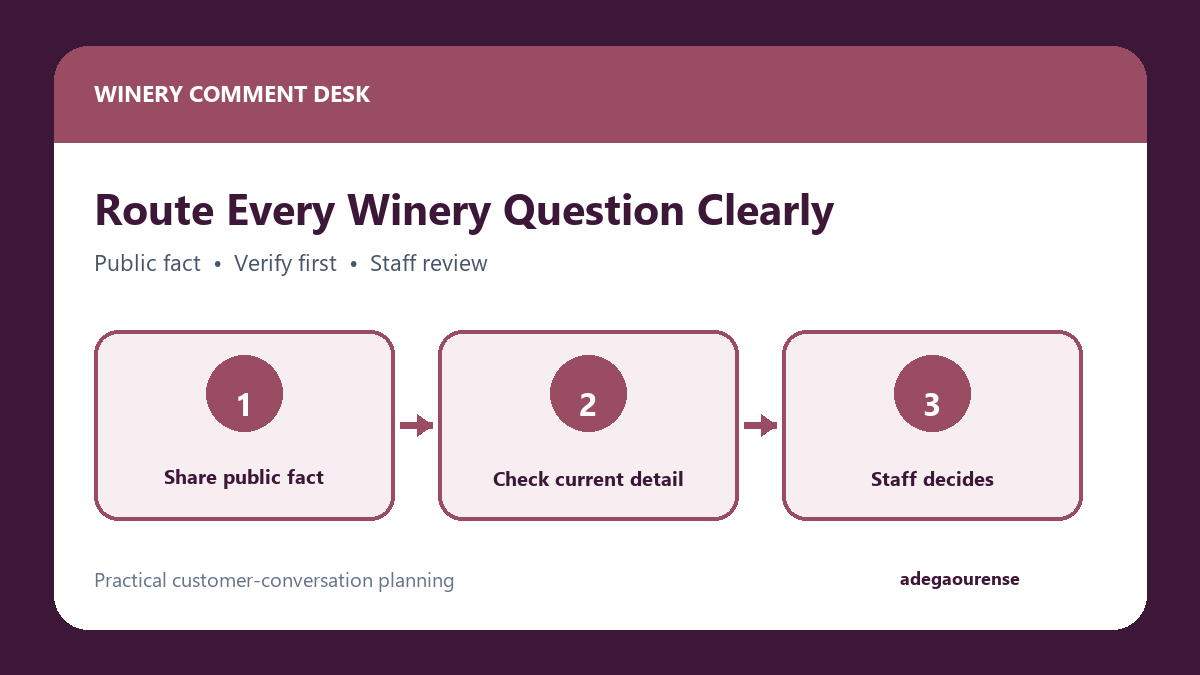
A winery, wine shop, or tasting room Facebook page can receive questions about hours, vintage availability, group tastings, food-pairing allergens, shipping, complaints, and wholesale service. These are not all the same kind of inquiry. A simple operating framework helps a busy team separate public facts from questions that need verification or a staff decision. A lead scoring for inquiry priority checklist can support that separation by making the next human review step visible without deciding dynamic inventory, complaints, or other staff-only matters.
The goal is to keep general information accessible while moving complex details into the winery’s reviewed business process. Do not treat every commenter who moves to a direct message as a sales lead. Preserve human decisions for dynamic inventory, complaints, wholesale terms, allergens, shipping, and other topics that cannot be settled from a standard reply.
Sorting and Categorizing Winery Comments
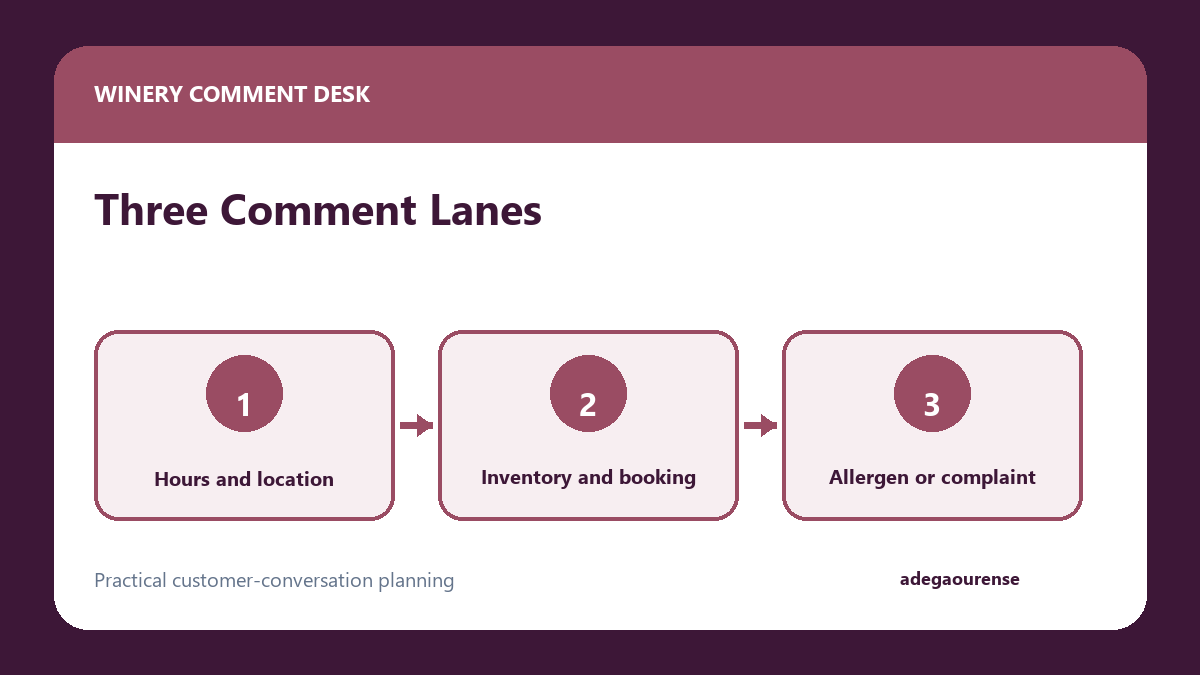
First categorize the inquiry. A Labor Day hours question needs a different workflow from a corked-bottle complaint or a restaurant’s wholesale request. Stable facts can usually be answered publicly. Private-event bookings, shipping limits, allergen information, and complaints should follow the winery’s staff-reviewed process.
To help your tasting room and social media staff navigate this, use the following framework to categorize incoming Facebook comments into distinct operational lanes:
| Category Lane | Types of Inquiries | Action Required |
|---|---|---|
| Public-Answer | Standard tasting hours, location details, general availability of widely distributed wines. | Reply directly in the public comment thread. Keep answers brief and factual. |
| Verify-First | Booking requests for large groups, wholesale questions, general shipping radius inquiries. | Transition to a direct message, and gather context before providing a final answer. |
| Human-Only | Customer complaints, allergen concerns, nuanced order issues, and dynamic inventory questions. | Immediately move to private conversation and require senior staff review. Do not use standard scripts. |
Give each repeatable fact a named owner and review date. Tasting-room hours might belong to the floor manager, event capacity to the booking lead, shipping destinations to the fulfillment team, and food-pairing ingredients to the kitchen. When a saved answer reaches its review date or conflicts with a current staff note, stop using it until the owner confirms the wording. This turns the knowledge base into a maintained operating resource instead of a collection of old replies. It also gives the person reviewing a drafted response a clear place to check the fact before anything reaches a customer.
Moving Private Details Out of Public Spaces
For verify-first or human-only questions, explain the next step and move only the necessary context into the appropriate channel. The purpose is operational, not an automatic sales conversion.
For group tastings or private events, keep a requested date separate from a confirmed reservation. The appointment request and confirmation checklist explains how to collect preferences, identify the staff member who checks availability, and describe the next step without implying a slot is booked. Adapt that checklist to the tasting room and keep payment or age-verification details in the approved booking process. Disclosure: Adega Ourense and Messenger Bot are under common ownership.
Teams researching the mechanics can consult this Facebook comment-to-Messenger safety guide. It is an informational setup and spam-check resource, not a product endorsement or a substitute for the winery’s own review.
Handling Dynamic or Regulated Topics
Dynamic inventory, wholesale pricing, food allergens, shipping, and alcohol-related logistics need current information and a trained staff decision. Keep payment, ID, health, shipping-address, and age-verification details out of routine social chat. When the business process requires them, direct the customer to the winery’s approved website, phone, or in-person procedure.
Setting Up Initial Greetings
When a customer transitions to a private message, you can establish standard introductory text to set expectations about when a staff member will read their message. For the technical steps, refer to Meta’s automated greeting instructions to configure the basic default message on the platform.
A Numbered Workflow for Comment Triage
To maintain consistency across different shifts, your winery should adopt an operational workflow for processing Facebook comments.
- Monitor and Categorize: A designated tasting room staff member reviews incoming public comments and assigns each one to the public-answer, verify-first, or human-only lanes.
- Address Public Inquiries: Respond to static questions regarding your operating hours and location details directly in the public comment thread.
- Transition Complex Inquiries: For issues falling into the verify-first and human-only categories, initiate a direct message to discuss the matter further.
- Conduct Initial Evaluation: Inside the direct message, staff should read the context of the inquiry to determine what the customer needs without treating the interaction as a sales opportunity.
- Escalate Sensitive Topics: If the topic involves complaints, strict allergen requirements, or wholesale distribution, the staff member tags a manager to review the conversation.
- Resolve via External Channels: If the issue requires collecting specific logistical or transactional data, provide the customer with a direct phone number or a link to an official portal on the winery’s website.
- Archive and Document: Once the conversation concludes, archive the thread and log operational issues in your internal tracking system for future reference.
Staff Review Checklist
Tasting room staff managing your social media channels need guidelines to navigate nuanced conversations. Use this checklist as a reference:
- Has the comment been correctly categorized according to the three distinct operational lanes?
- Does the private message sound conversational rather than like a rigid sales pitch?
- Does the inquiry involve complaints, allergens, or wholesale topics requiring senior staff review?
- Is the conversation steering toward gathering payment, ID, health, shipping-address, or age-verification details?
- If data collection is needed, have we directed them to an external channel?
- Has the discussion regarding dynamic topics like limited wine availability been verified against current inventory?
Before inviting an existing customer back, check their previous visit or order, unresolved issues and contact preference. The existing customer relationship checklist separates those checks from prospect nurturing. Adega Ourense and Messenger Bot share ownership.
Practical Measurement Guidance
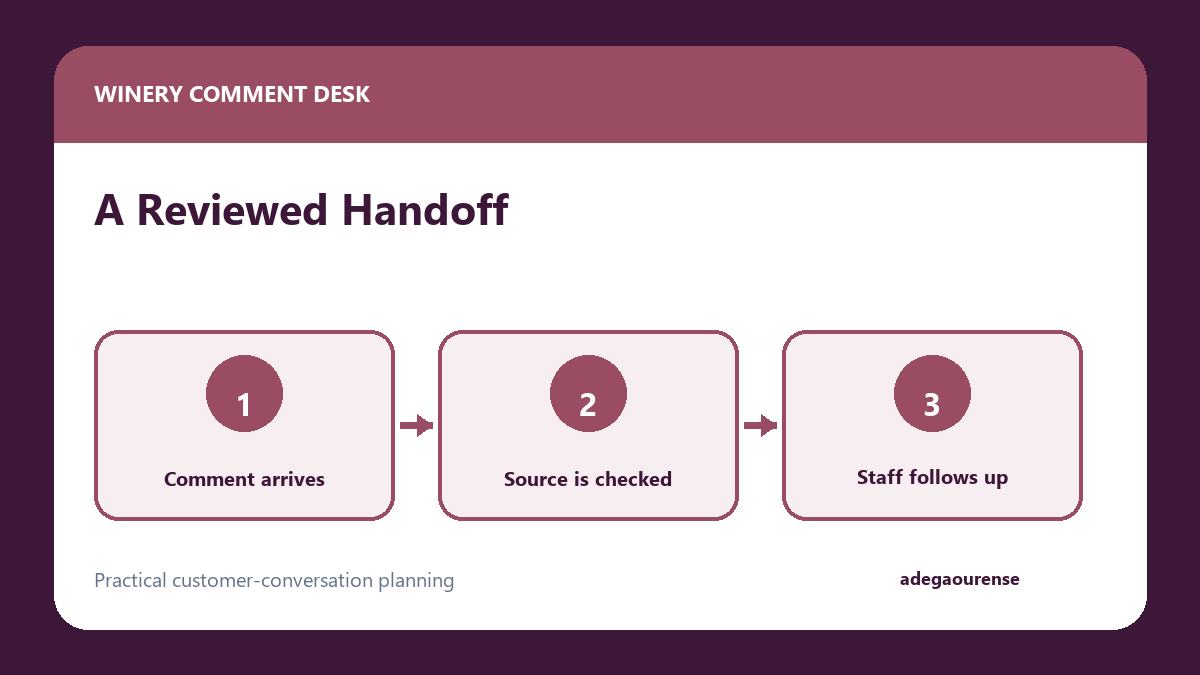
Understanding the volume of your Facebook interactions helps appropriately allocate staff time. Focus on tracking the operational flow of conversations to evaluate your team’s workload rather than attempting to tie these metrics directly to financial outcomes.
Measure the total volume of comments received weekly, and categorize them to see what percentage falls into the public-answer lane versus the human-only lane. Track how many public comments are transitioned to private discussions. You can also measure the average number of back-and-forth messages required to resolve different types of inquiries. If booking questions require numerous messages to resolve, it may indicate that your public-facing booking documentation is unclear. By monitoring the frequency of specific topics, you can adjust your website’s FAQ page to address these issues and reduce the operational burden on your team.
Preparing for the Future
Documenting the workflow also makes staff handoffs easier. The same record-ownership discipline appears in wine business exit planning records handoff strategies.
Frequently Asked Questions
How should we handle comments that contain partial personal information?
Follow the page’s documented moderation and incident process, avoid copying the information elsewhere, and tell the customer which approved support channel to use. Do not continue processing the personal detail in routine chat.
What do we do if a customer refuses to move to a direct message?
If a customer insists on discussing a complex issue in the public comments, reiterate that to provide accurate operational assistance, you must handle the specifics privately. Provide a direct email address or the tasting room phone number as an alternative.
Who should be responsible for the human-only lane?
The human-only lane should be managed by senior tasting room staff, a dedicated customer service manager, or the operations director. Because these topics involve complaints, complex logistics, or dynamic inventory, they require a staff member with the authority to make nuanced decisions.
Should we delete negative public comments?
Generally, negative comments should not be deleted unless they violate your page’s community standards. Instead of deleting standard complaints, transition the user to a private message to discuss the issue further in a managed setting.
Final Seven-Point Checklist
Before finalizing your approach to managing Facebook comments, ensure your tasting room team has implemented the following parameters:
- Categorize all incoming comments into public-answer, verify-first, or human-only lanes to establish a clear operational flow.
- Ensure public answers are limited to static, general information like standard hours, location details, and basic availability.
- Transition complex inquiries to private direct messages based on the appropriate categorization lane.
- Approach private conversations as customer service inquiries, avoiding treating every commenter as a potential sales lead.
- Require senior staff to review and handle discussions involving complaints, wholesale accounts, or specific allergen concerns.
- Keep payment, ID, health, shipping-address, and age-verification details out of routine social media chat platforms.
- Track the operational flow and volume of conversations to better allocate staff time and update your website documentation.


0 Comments